Mission


We aim to bring you a wide variety of content to make your Android experience the best it can be. I will attempt to post all of the latest Android news, as well as app reviews, tips, and deals.

If you need to contact us, send us an email to simply.android.blog@gmail.com. Thanks for browsing this blog!

Friday, January 6, 2017

Screenshots| Best of the Festive Period

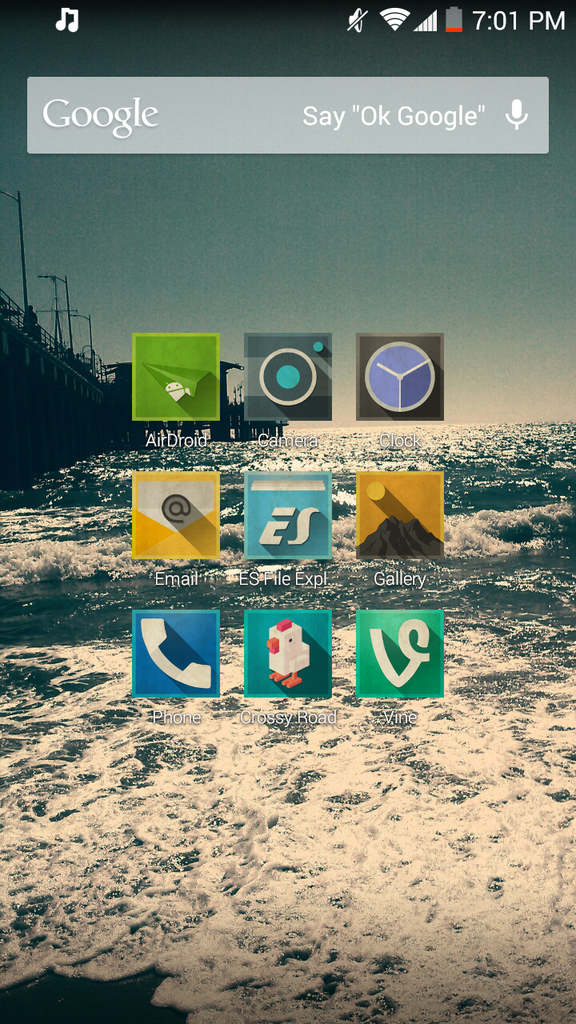
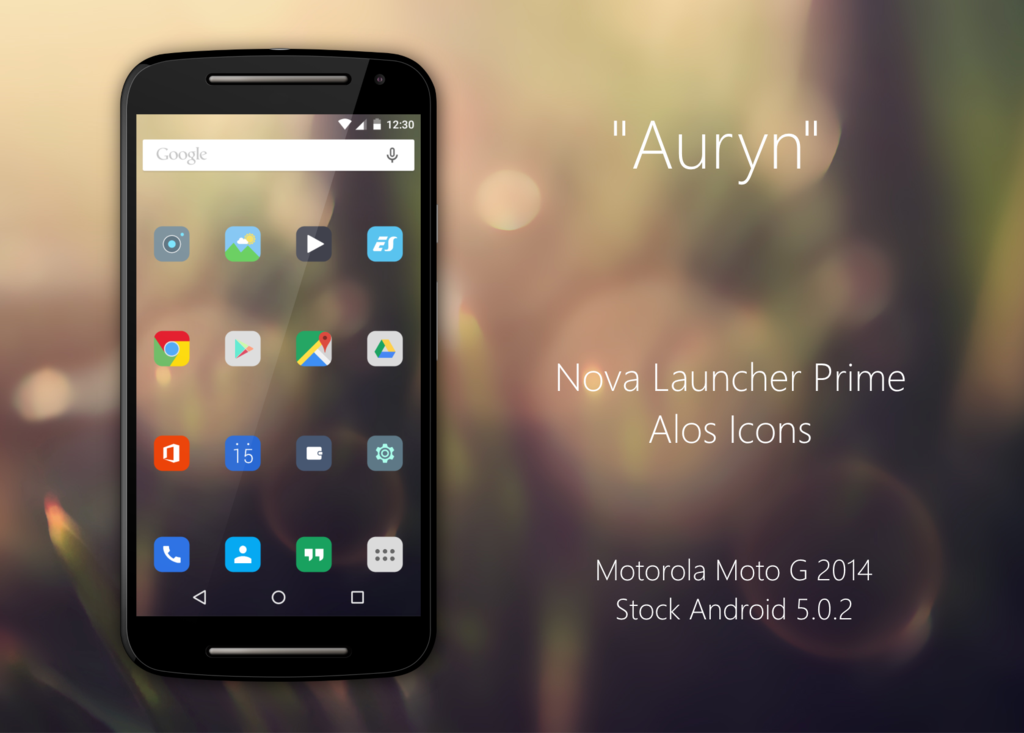
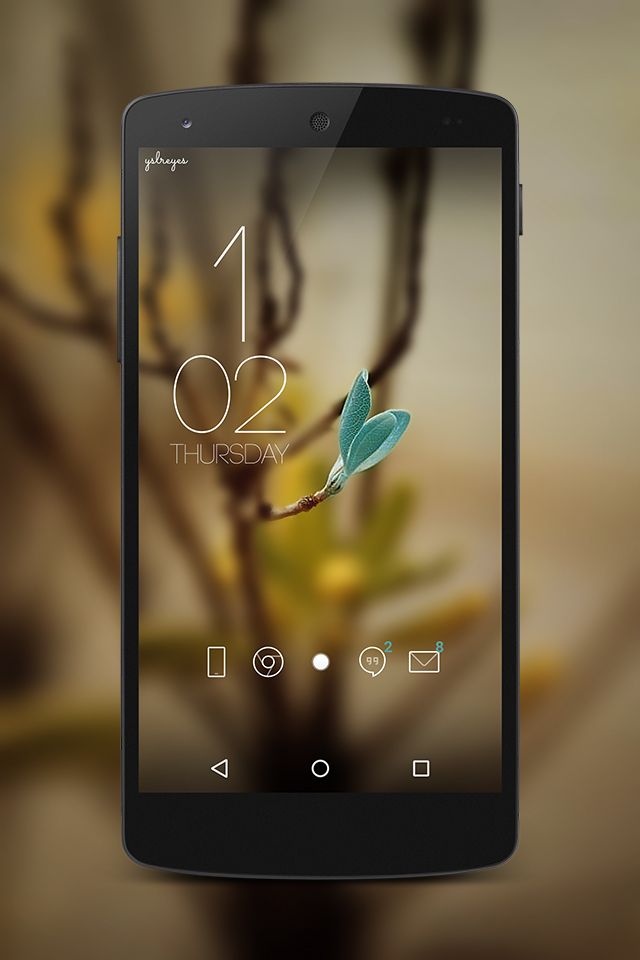
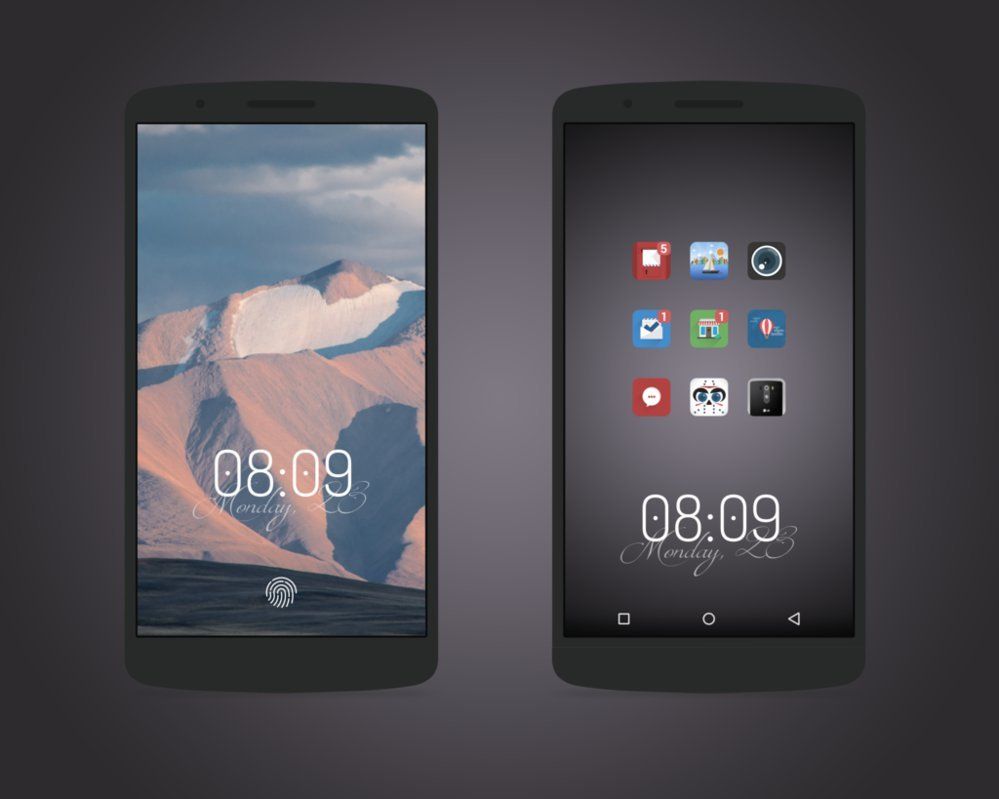
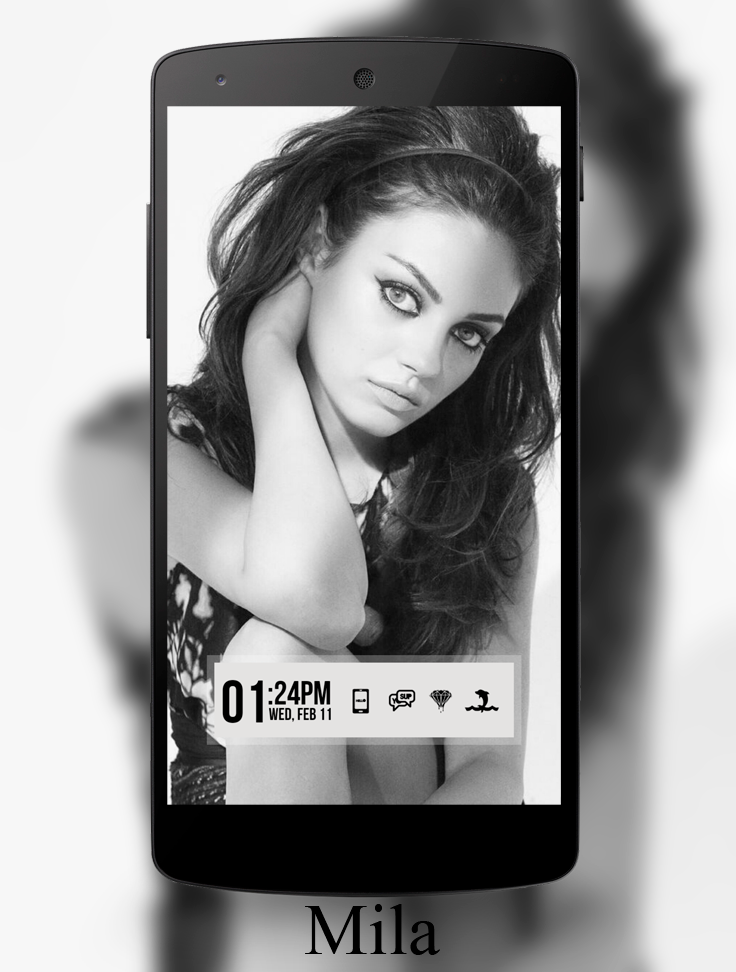
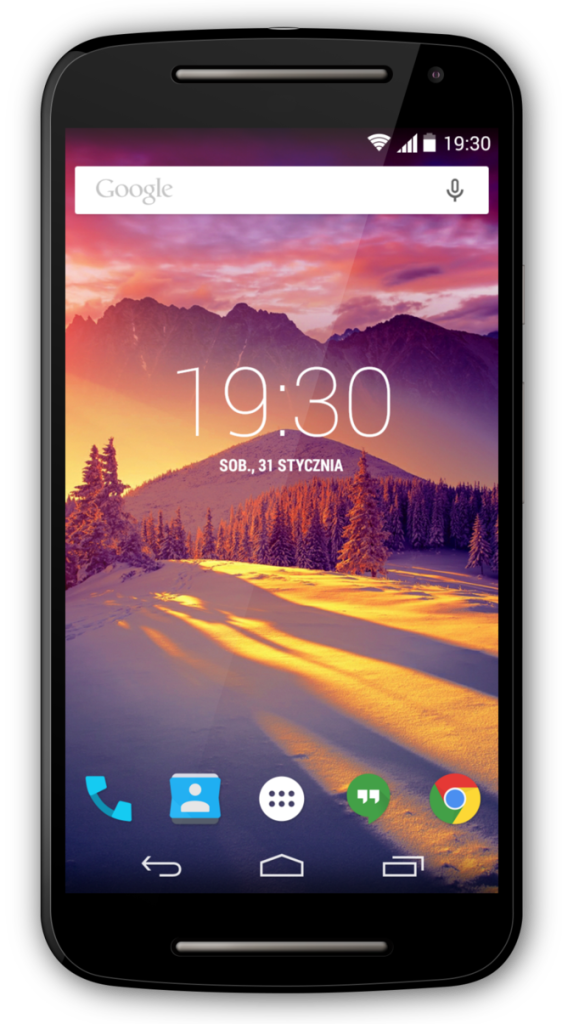
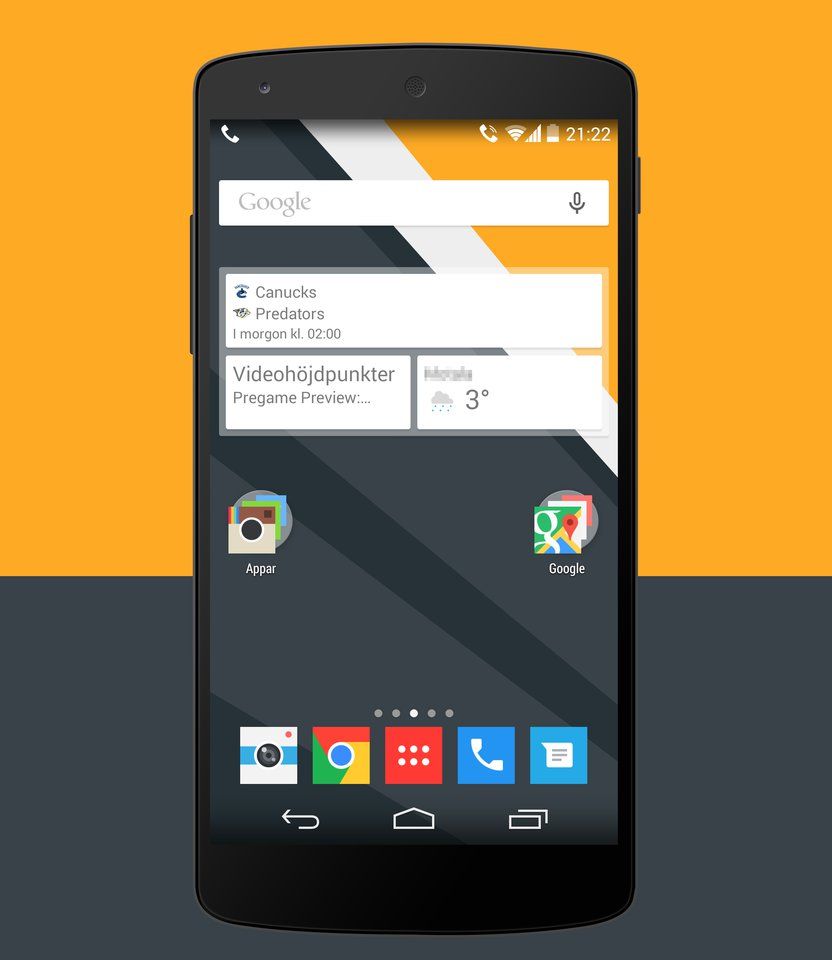
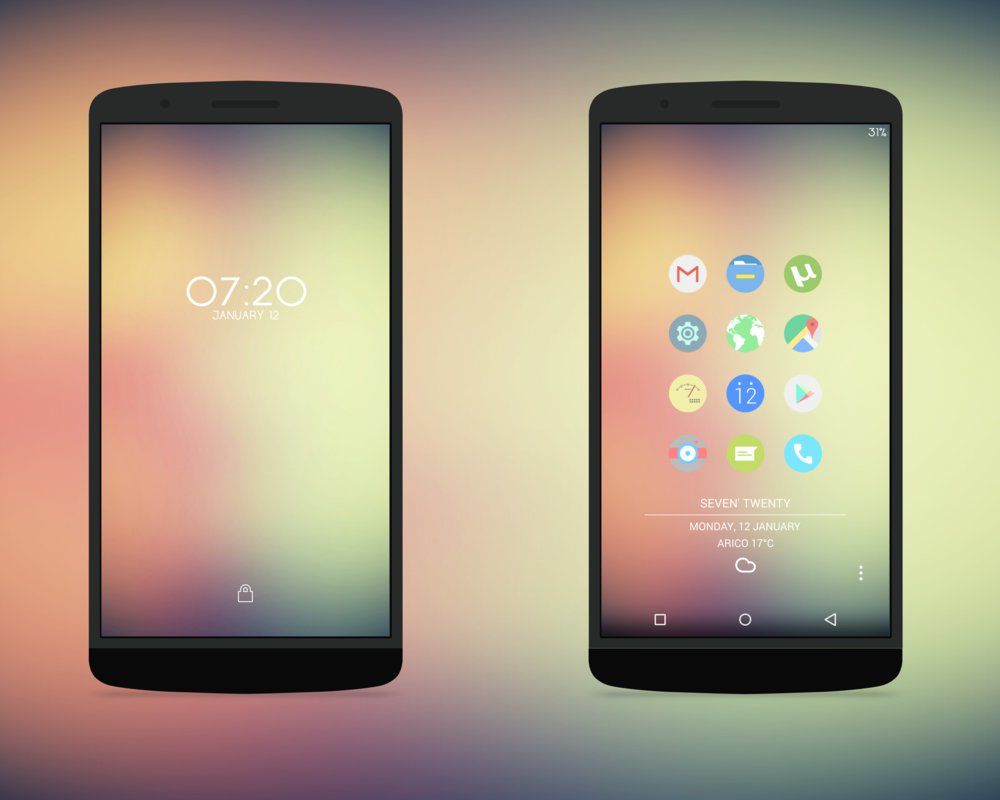
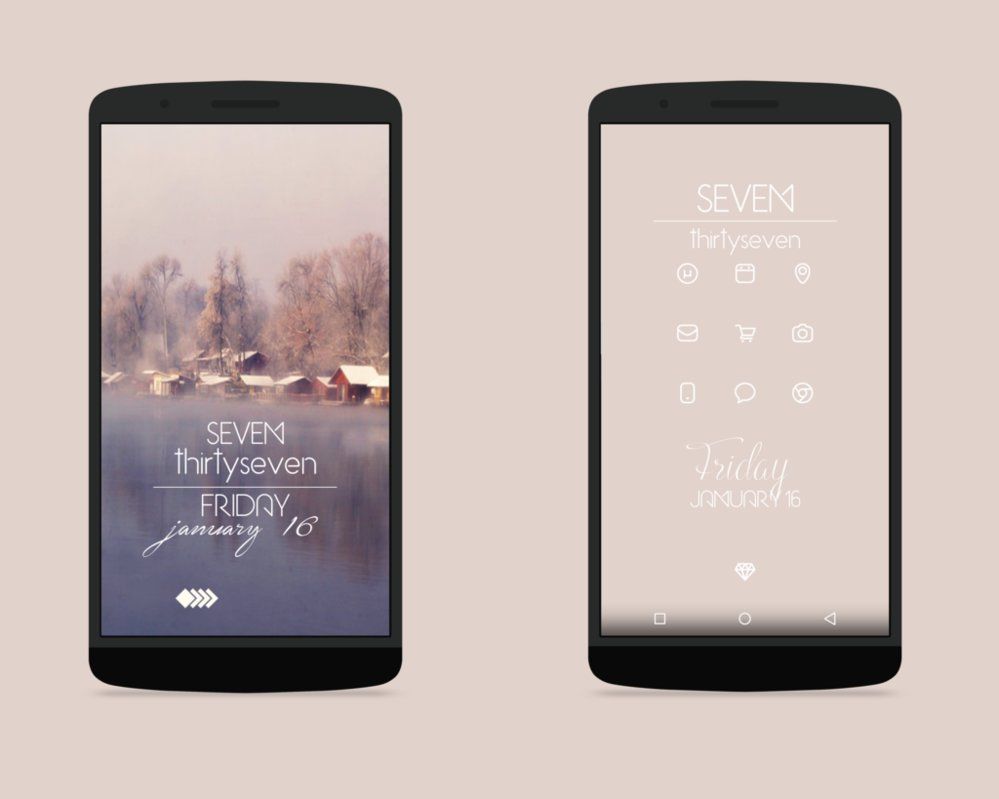
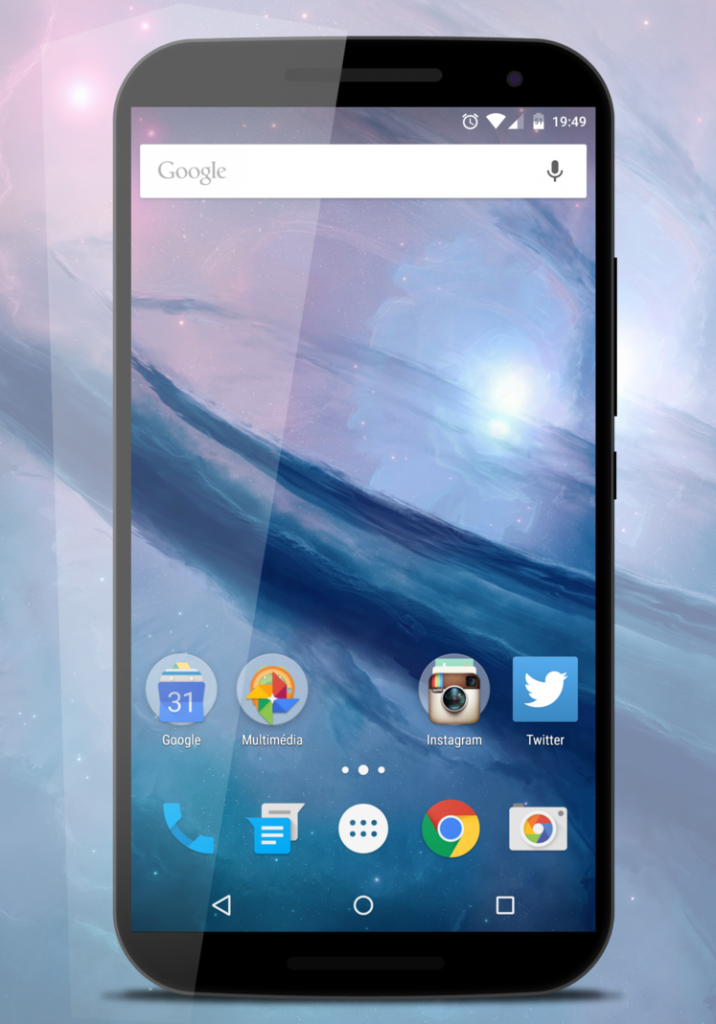
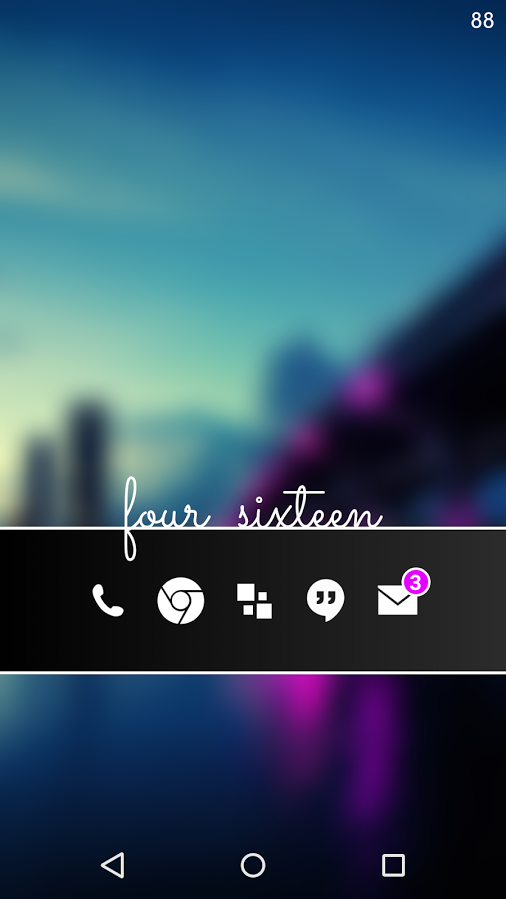
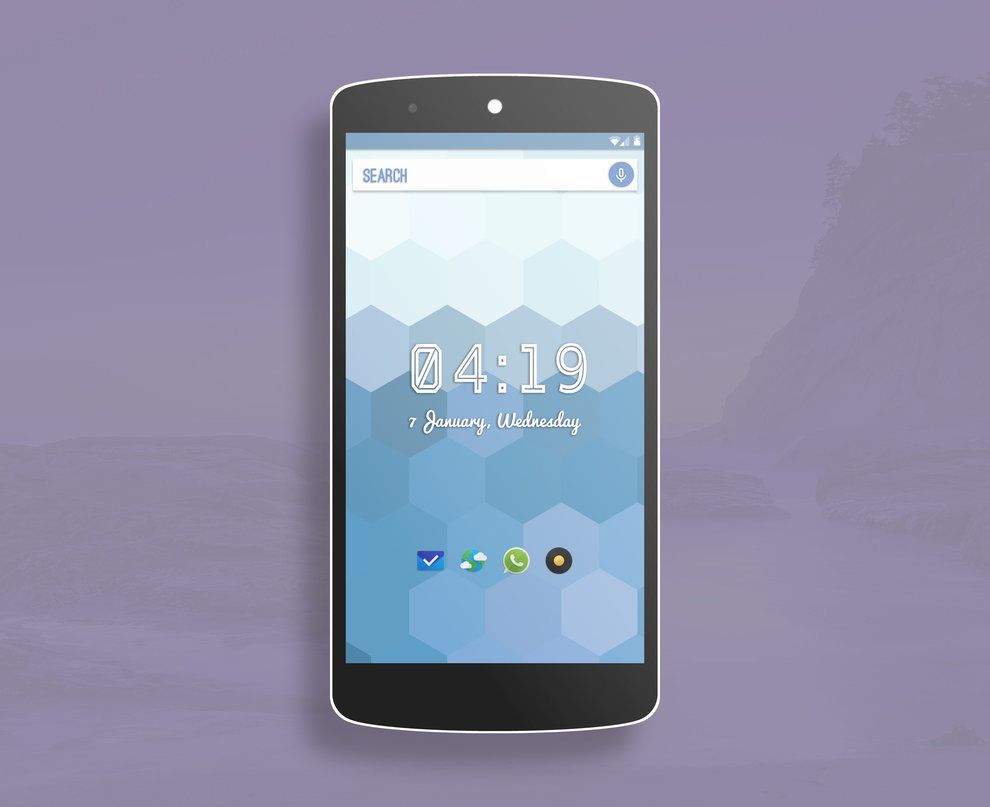
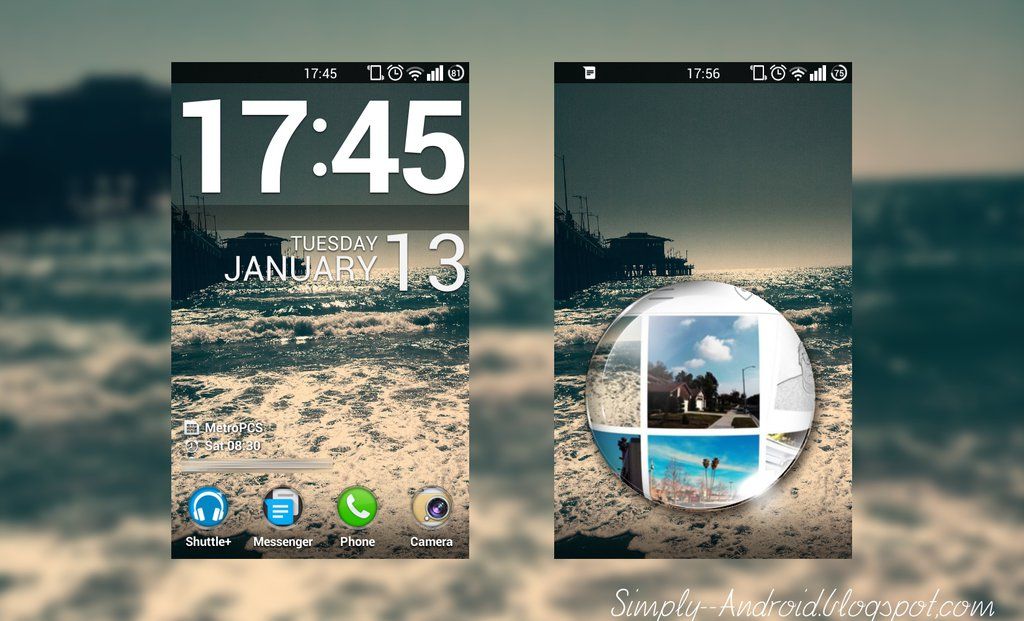
These are our favorites from the end of year holiday season. They are, of course, in no particular order. Have a look and click on the link to get more information about the set up. Leave a comment below of which has been your favorite. To see more, head over to simply-android.deviantart.com


---------------------------------------------------------------------------------------------------------


Tuesday, June 21, 2016

PRODUCT REVIEW| Chromecast Audio


What is going on everybody? Today I will be reviewing Google's Chromecast Audio. I decided to "pull the trigger" on the Chromecast to step up my audio setup. At $35 it seemed a tad too expensive for what it does but I had some couple $$$ extra to spend. If you do your homework, you might be able to find deals on the Chromecast audio.

Friday, May 20, 2016

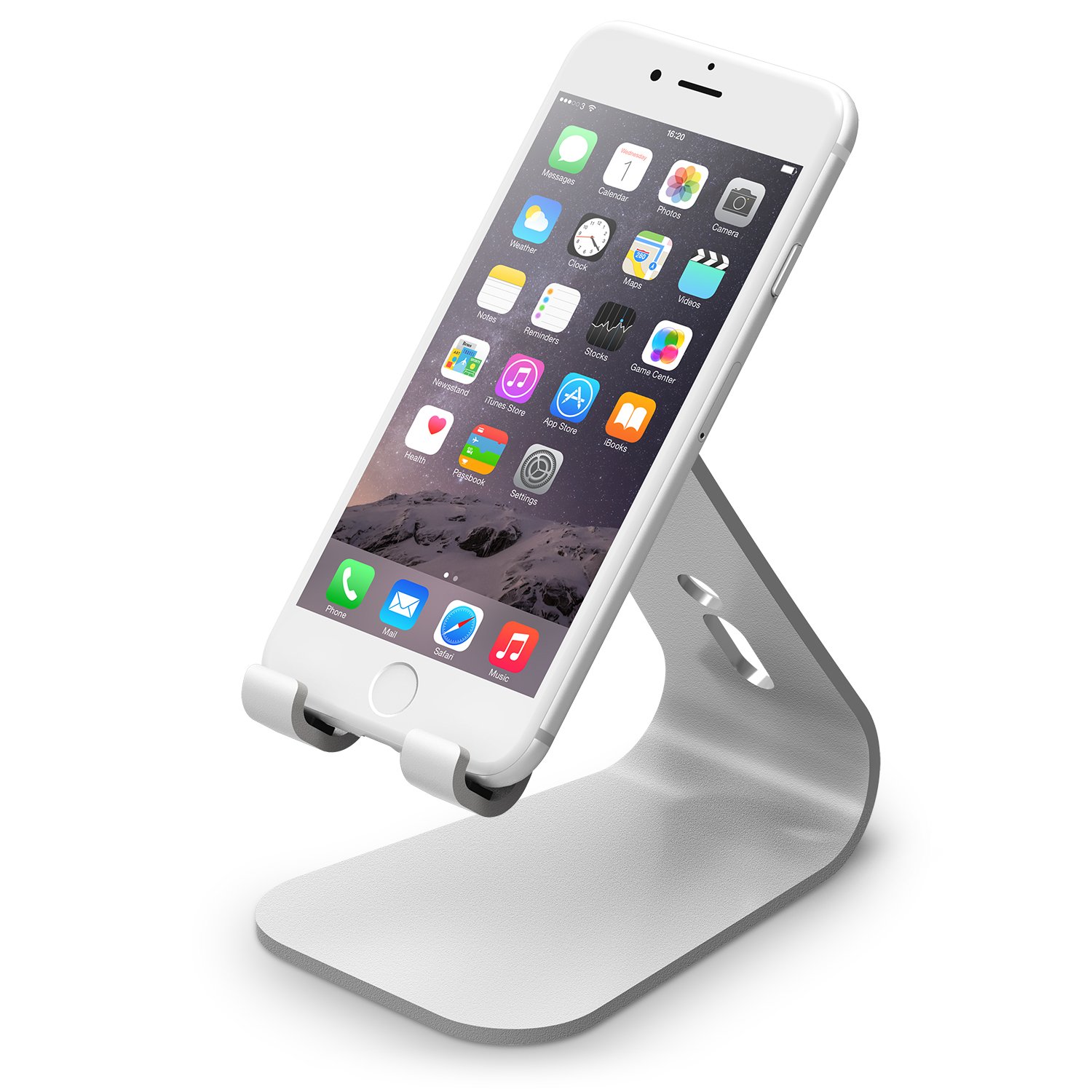
PRODUCT REVIEW| Elago M2 Stand

What a better way to return than with a product review. Today we are going to take a look at the Elago M2 Stand for phones and tablets. We are not in any way sponsored to review this product, it was purchased with our own money. That being said, lets start this product review. 

This is one elegant stand made of "premium aluminum" and it features what the makers are calling the perfect angle for viewing content and video calls. This is a universal case which means that almost any phone or table is going to fit. You can wire the USB cable (not included) through the back and have it ready without the need of fumbling for it. Personally, I've used it with my Nexus 6p and old Nexus 7 tablet. 

What's good:
The stand is elegant and will fit most people who value having a minimalistic workspace. If you have an Apple iMac, this stand complement your setup. The stand has four rubber foot pads to keep the stand in place. I purchased the silver colored stand but it is also available in black, champagne gold, or that sexy rose gold. As mentioned before, it will hold a large tablet. If you are rocking a case, however, it might not fit perfectly. 

What's not so good:
If you try to use this stand to type a quick SMS reply it will certainly wobble. It can easily fixed by adding some pads on the left and right sides of the back, where the phone lays, to prevent the rocking back and forth. 

Is it worth my money:
I'm 50/50 on this product. If you have a setup and need something to prop up your phone then go ahead and pull the trigger on the Elago m2 Stand. However, (at least for me) $20 is a steep price for something so simple and which might require some modification for some light typing. Fortunately, there are similar stands worth half the price. 

Product link: 

--------------------------------------------------------------
Are you a developer and have an application you'd like us to review, leave a comment below or shoot us an email at simply.android.blog@gmail.com


Saturday, October 24, 2015

WHAT'S ON| October 2015


WHAT'S ON is our segment where we briefly review/describe the applications that we are currently using. As always, if you want a full review of any application, send us an email to simply.android.blog@gmail.com

Here is what we are loving, October 2015 edition! 

Wednesday, October 21, 2015

WHAT'S ON| What's On My Phone (Games Edition?)


Gaming has always been something that I wasn't really drawn to. The only consoles I owned were the NES / SNES (that I bought used and only worked for a month), Playstation 2, and a Gamecube (for some reason). So when the app store reached my original iPod Touch in 2008 (iOS 2.0), I gave mobile gaming a try. Fast forward about 7 years and countless apps later, these are the 'games' that I frequent on my phone, in no particular order. (Click the Google play link for more detail)

Friday, August 28, 2015

REVIEW| Hi Locker

App Name: Hi Locker - Your Lock Screen (AppPlus.Mobi)

Price: Free (1.41 IAP)

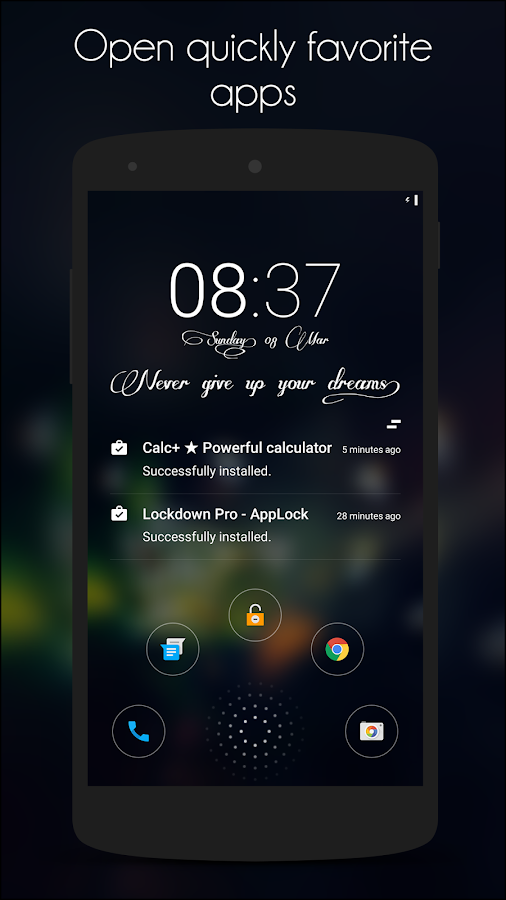
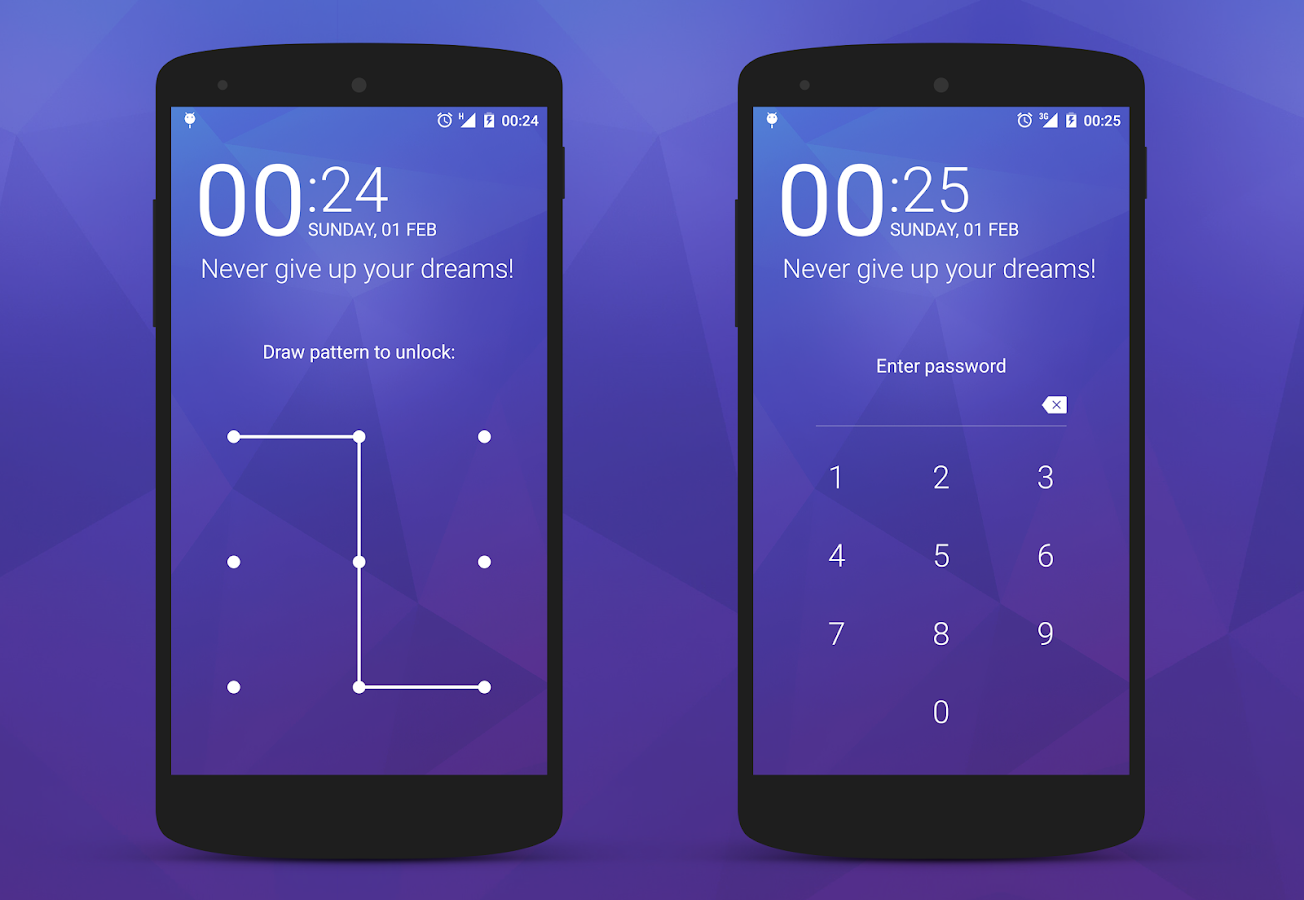
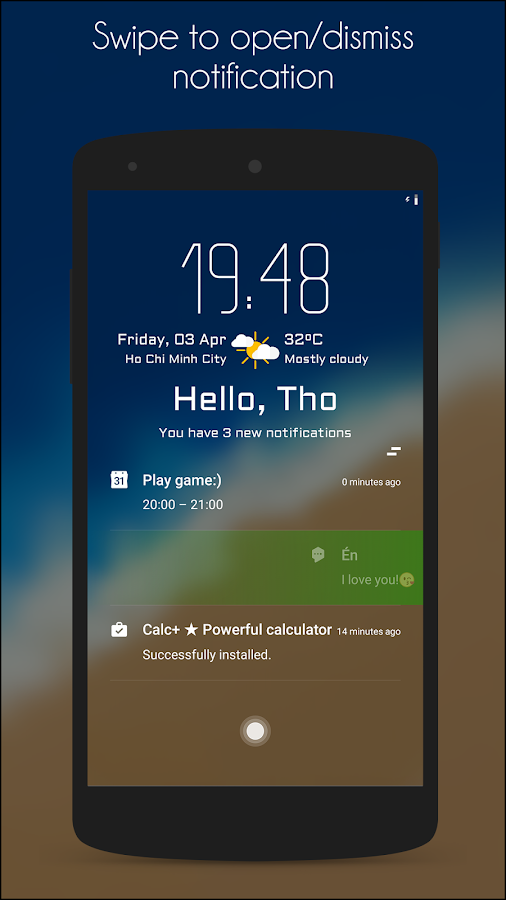
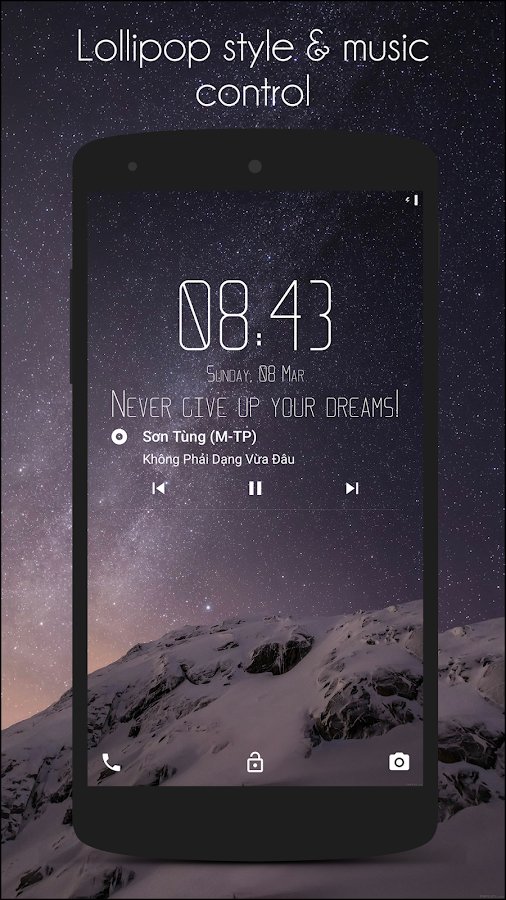
Description: Hi locker is a lock screen that was developed based on the mix of classical “lock screen” on the older versions of Android, with the modern of android Lollipop, include notification system on lock screen, and Material design style. Hi Locker will bring you an experience that is both new and familiar, actually useful to you. -Developer


Review: I have am always looking out for apps that will change the android experience without having to get a new phone. With Hi Locker I have 'refreshed' the unlocking experience. This is a great application that allows you to get notifications on the look screen in a beautiful, simplistic kind of way. 

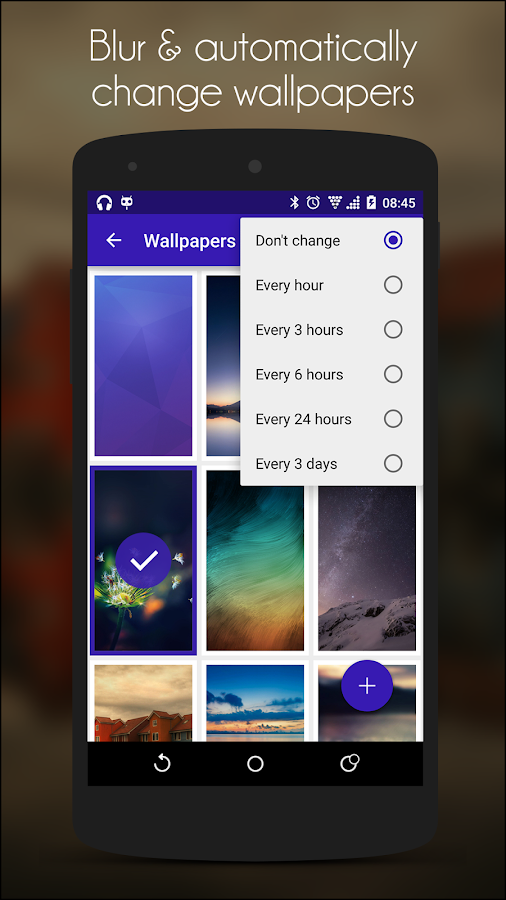
There a some features that the stock locker doesn't provide you with. For example, the ability to control the where you don't have to put your pin/pattern. Say you are connected to your house Wi-fi, Hi Locker disables the security. Once you disconnect from Wi-fi, the security is reenabled. Another feature I absolutely love is the ability to get notifications at a simple glance. Get a message? Swipe to the right and go straight to the SMS app or swipe to the left and dismiss the notification. A bonus feature is the ability to change wallpapers every hour or once a day(more options in between). 

The bad:While there is nothing bad about this application/locker, the are some noteworthy bugs... 

•Music widget displays the wrong song name and sometimes the music widget will remain even though music is not being played. 
•Sometimes the weather is displayed in accurately. You get the wrong location or the weather isn't displayed at all
•There is not ability to reply quickly to SMS messages, you need to got into the SMS app to reply. (Not sure if this works with stock SMS app)

Last thoughts: The app itself is free, but if you want to help out the developer there is a unlock purchase. Also, the developer pushes out frequent updates squashing those ugly bugs. 

Overall rating: 4.7 stars out of 5.0

Google Play link: https://play.google.com/store/apps/details?id=mobi.appplus.hilocker&hl=en

Screenshots:


***All images courtesy of Google Play and the application's developer. ***

--------------------------------------------------------------

Are you a developer and have an application you'd like us to review, leave a comment below or shoot us an email at simply.android.blog@gmail.com

Saturday, July 11, 2015

TIPS| Deleting app cache to free extra space

Today I want to show you how to free up some space on your android device by clearing your device's cache. Cache, according to Wikipedia, "is a component that stores data so future requests for that data can be served faster; the data stored in a cache might be the results of an earlier computation, or the duplicates of data stored elsewhere". Instagram, for example, is an application  that relies on cache to let you to look back on your timeline without having to pull down those images from the server. This also explains why you can still re-watch videos on Vine when you don't have a connection. 

Tuesday, June 30, 2015

REVIEW| Smart Task Launcher


App Name: Smart Task Launcher (Jskt) 

Price: FREE (In-app purchase)

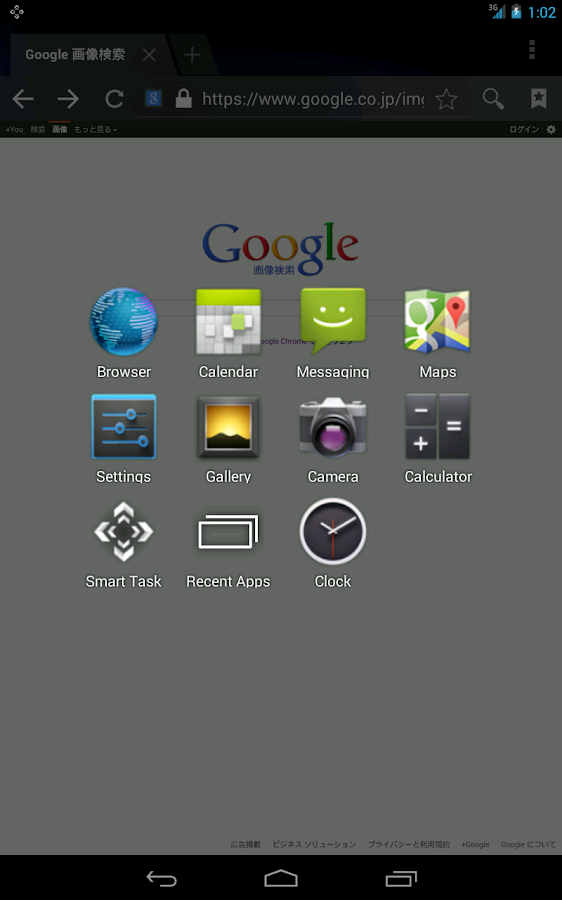
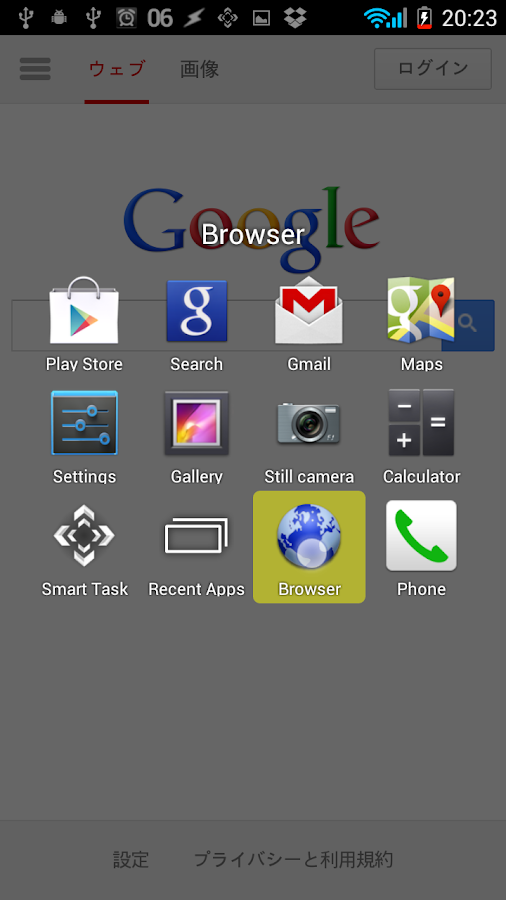
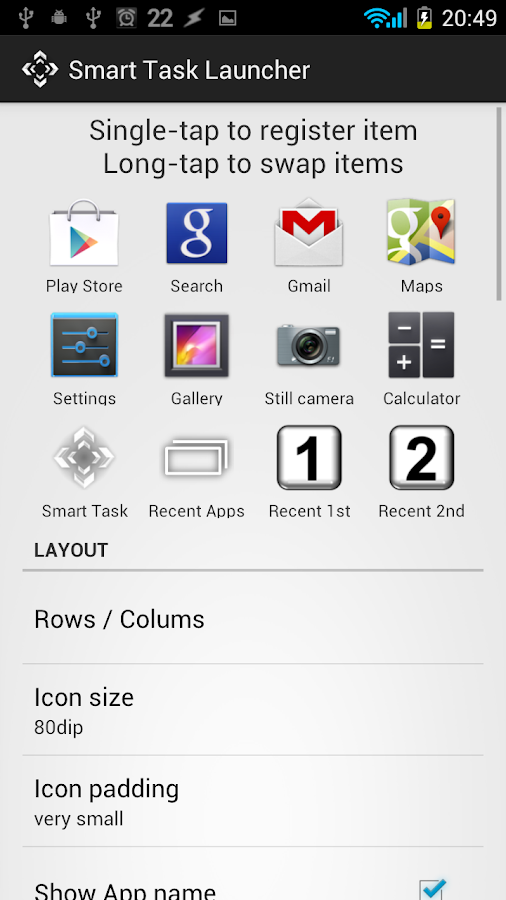
Description: Smart Task Launcher(STL) is not your typical home-screen replacement app. STL is an "overlay" launcher that displays a selection of user-selected apps, allowing for a simpler multitasking experience. Activating the launcher is simple, select an activation "trigger" in the application's settings page. I, for example, have set the "trigger" to activate the application when I swipe in from the bottom left corner. 


Review:

Smart Task Launcher is an application that I use on the regular.Let me give you an example; I am browsing Instagram and I remember what I need to add to my shopping list. Rather than using the recents button to find the Google Keep application (and lets not forget that it might not be in the recents pane) or going home and searching through pages of apps why don't I use a quick shortcut and trigger Smart Task Launcher and slide to the Google Keep app. 

You see how much simpler it is. However, it is best to select frequently used applications as it reduces the clutter and save a couple of seconds. 


What's good: 

The ability to customized the layout of the launcher is key. I have used other applications that require you paying extra to unlock those features. You can use a 4x4 grid to keep it simple or a maximum 9x9 to go a little extreme. Customization is a big plus for this application as you can change the icon sizes, you can add widgets, edit/hide the icon labels, etc. The possibilities are not limited.

In my time using this application (about 3 months) I haven't noticed changes in regards to battery use which is a big plus for me. 

What's not so good:

Not being able to select multiple apps to add into the empty spaces is not a big deal but its an annoying restriction. Adding applications one by one is NOT ideal. Personally, I would love the ability to automatically arrange the apps by alphabetical order (I have gotten used to the android launcher).

Overall rating:

4.9 stars out of 5.0


*** All images courtesy of Google Play and the app developer. ***

--------------------------------------------------------------
Are you a developer and have an application you'd like us to review, leave a comment below or shoot us an email at simply.android.blog@gmail.com

Sunday, June 7, 2015

Screenshots| June Favorites

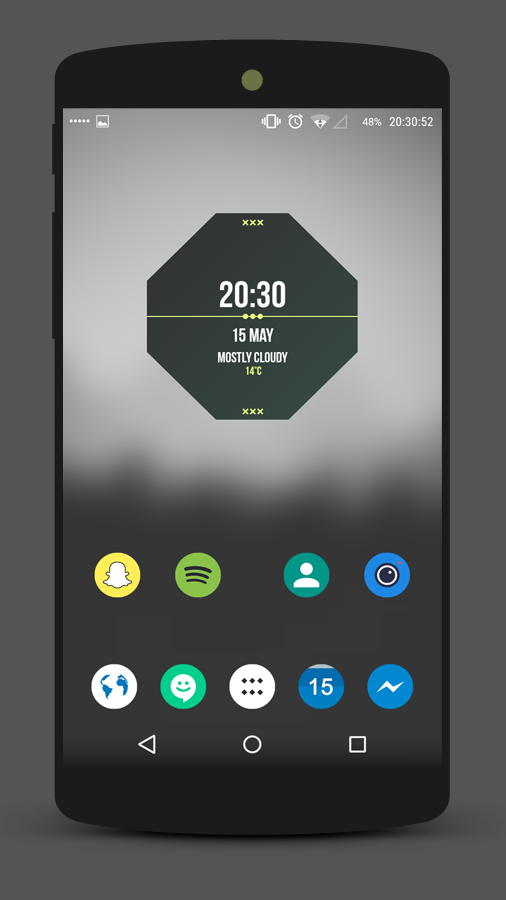
These are our favorites from June. They are, of course, in no particular order. Have a look and click on the link to get more information about the set up. Leave a comment below of which has been your favorite. To see more, head over to simply-android.deviantart.com


---------------------------------------------------------------------------------------------------------


---------------------------------------------------------------------------------------------------------

***Permission has been obtained to feature these images on this site. However, they have been uploaded through a third-party image host. If you are the owner of any of these images and request they be removed, leave a comment below with the name of the image you want removed.*** 

Are you a developer and have an application you'd like us to review, leave a comment below or shoot us an email at simply.android.blog@gmail.com


Tuesday, May 26, 2015

Screenshots| May Favorites v.2

These are our favorites from May. They are, of course, in no particular order. Have a look and click on the link to get more information about the set up. Leave a comment below of which has been your favorite. To see more, head over to simply-android.deviantart.com
---------------------------------------------------------------------------------------------------------


FEATURED


These featured screenshots are courtesy of MZMZ83. Find more of his work here [LINK]


---------------------------------------------------------------------------------------------------------


---------------------------------------------------------------------------------------------------------

***Permission has been obtained to feature these images on this site. However, they have been uploaded through a third-party image host. If you are the owner of any of these images and request they be removed, leave a comment below with the name of the image you want removed.*** 

Are you a developer and have an application you'd like us to review, leave a comment below or shoot us an email at simply.android.blog@gmail.com



Friday, May 22, 2015

DEALS| Music Deals and FREE albums from Google Play


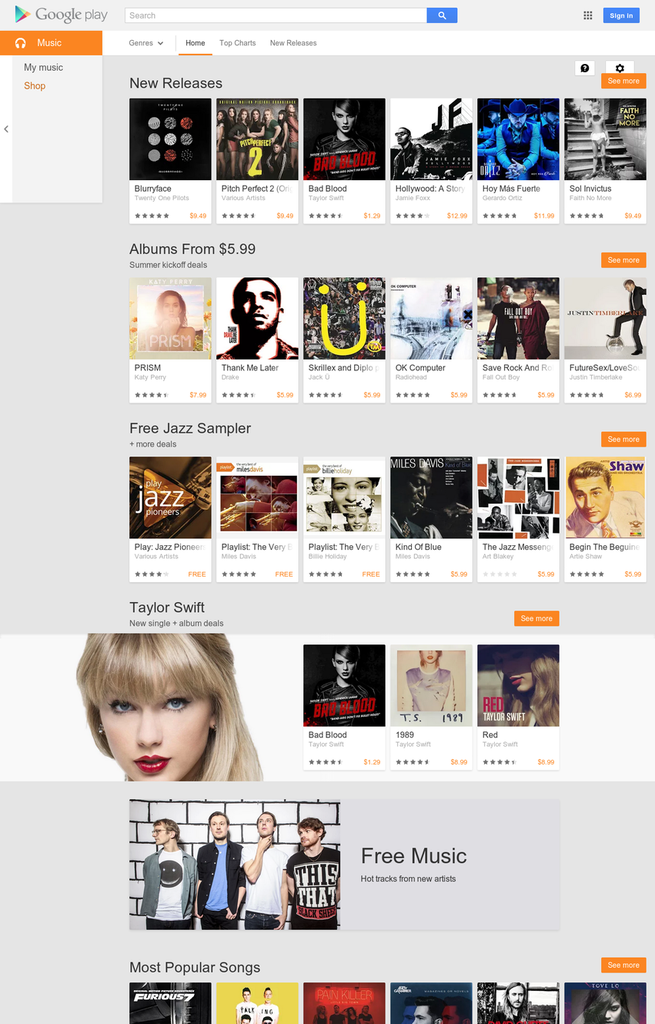
Head over to the Google Play Music page for some great deals to kick off the summer.

This weeks deals features an "Albums from $5.99" section, a "Jazz Sampler" collection, and Google's "Antenna Sampler". Below are the most some of the deals you can find! 


Nevermind- Nirvana
U218 Singles- U2
OK Computer- Radiohead
Night Visions- Imagine Dragons
Number Ones- Michael Jackson
Day Of The Dead- Hollywood Undead
& many more...


Duets II- Tony Bennett
Sings The Blues- Nina Simone
& other great classics...

Features free tracks from up-and-coming artists

***All images courtesy of Google Play and the album's respective artists. ***

--------------------------------------------------------------

Are you a developer and have an application you'd like us to review, leave a comment below or shoot us an email at simply.android.blog@gmail.com


Wednesday, May 20, 2015

DEALS| Google Play's Blockbuster Movie Deals


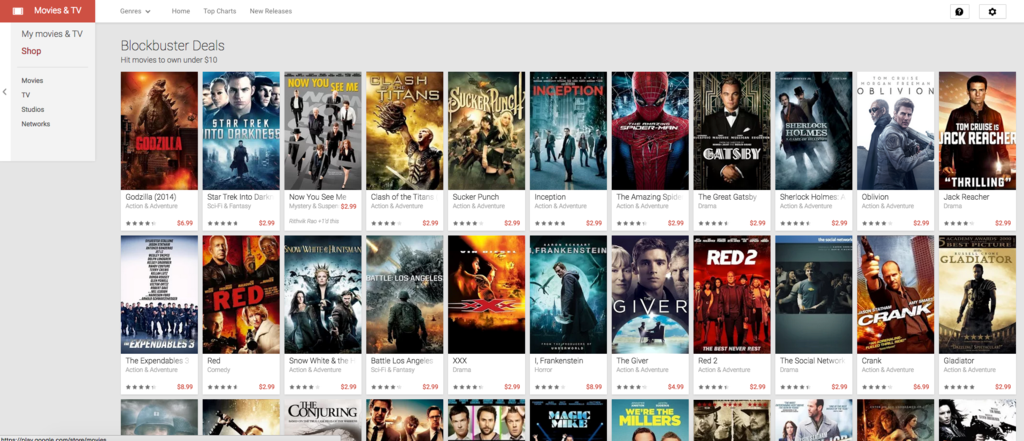
Start off your summer right with some movie deals from Google Play. If you are like me, then you have to take advantage of these deals to own great movies from the past few years. *Note: You can also rent them for a cheaper price.

Noteworthy Movies:

Godzilla (2014)
The Amazing Spiderman
Red
Red 2
Horrible Bosses
21 Jump Street 
& many more... 

LINK: Blockbuster deals

***Movies are not downloadable to the desktop. ONLY viewable with Play Movies on Android and through Youtube on the desktop. ***


---------------------------------------------------------------------------------------------------------

Are you a developer and have an application you'd like us to review, leave a comment below or shoot us an email at simply.android.blog@gmail.com

Sunday, May 17, 2015

Screenshots| May Favorites

These are our favorites from May. They are, of course, in no particular order. Have a look and click on the link to get more information about the set up. Leave a comment below of which has been your favorite. To see more, head over to simply-android.deviantart.com
---------------------------------------------------------------------------------------------------------


---------------------------------------------------------------------------------------------------------

***Permission has been obtained to feature these images on this site. However, they have been uploaded through a third-party image host. If you are the owner of any of these images and request they be removed, leave a comment below with the name of the image you want removed.*** 

Are you a developer and have an application you'd like us to review, leave a comment below or shoot us an email at simply.android.blog@gmail.com


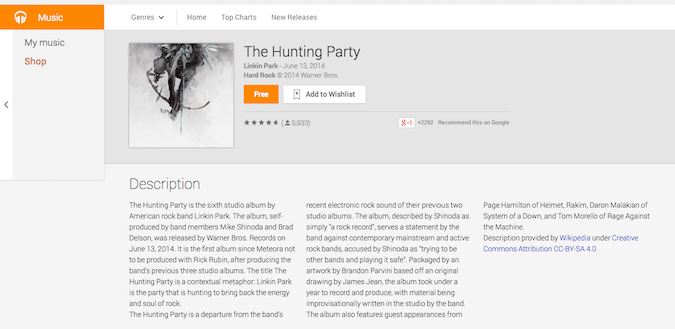
Tips| Downloading Music From Google Play (EDITED)

So you received a gift card from a family member and you want to use it to download some tracks. If you are an android user, which I assume you are, you should be familiar with the "Google Play Music" app.  When you purchase a track/album, it will be automatically added to your music library.

But what if you want to add the tracks/album into your computers iTunes library, how do you get the actual files? Its a simple process. Unfortunately some users do not know how to do it and blame Google.

Heres' what you do...


Step 1: An obvious step, find and purchase the track/album you want to download. *

Step 2: Head over to your music library. 


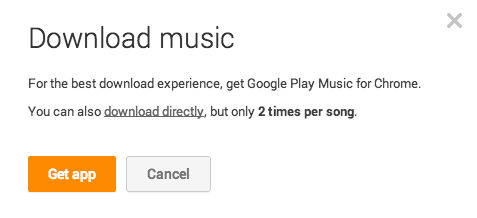
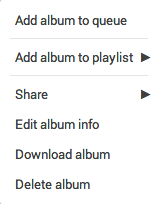
Step 3: Find the album you want and click the overflow menu. Select "Download" and confirm you want to download directly.**
Step 4: Enjoy listening to your media on iTunes, iPods, and mp3 players. 

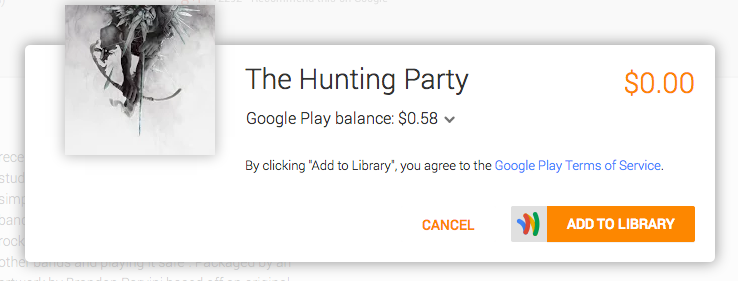
*For some reason Google requires you to have some balance on your account or an active credit/debit card to get albums made free from Google.
**Note: Using this method will only work twice. However, by saving a backup online or on a flash drive you can avoid re downloading your media. 

Saturday, May 16, 2015

Free Music| Google Play's "Antenna Sampler"


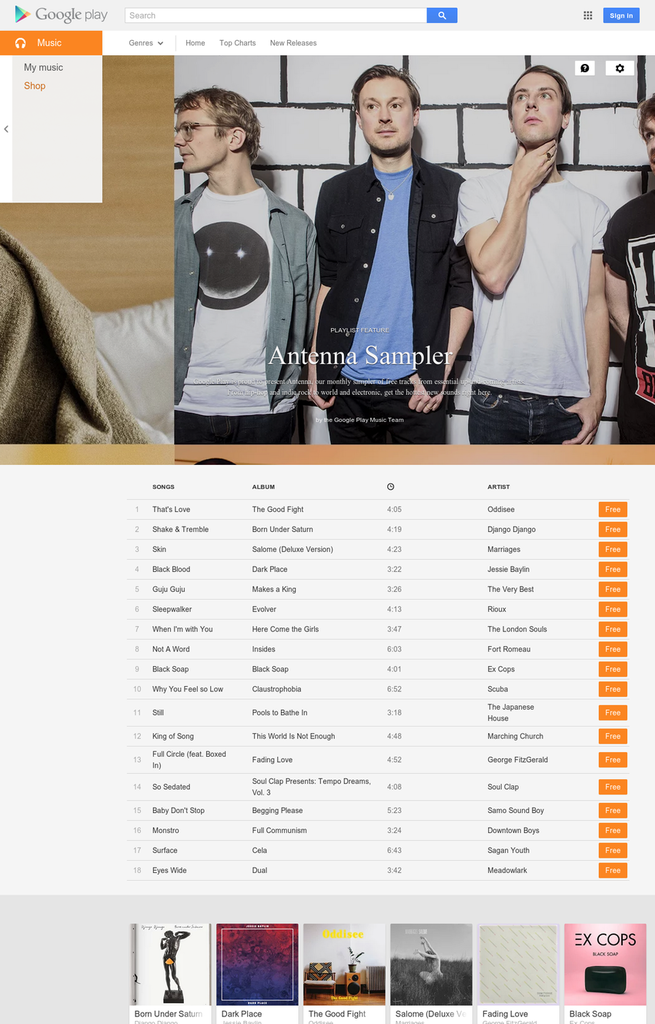
Who doesn't love free music? Head over to Google Play and check out some of the music from up-and-coming artists. There are 18 songs which will certainly be added to your favorite playlist. Go check them out! (LINK)

If you don't know how to download music from GP straight to your desktop, use our guide linked here. -----> (LINK)<-----

***All images courtesy of Google Play and the album's respective artists. ***

--------------------------------------------------------------

Are you a developer and have an application you'd like us to review, leave a comment below or shoot us an email at simply.android.blog@gmail.com


Wednesday, April 8, 2015

WHAT'S ON| What's On My Phone (April 8, 2015)


Most Used Apps:

Airdroid- Airdroid is an application that allows you to transfer files, text, receive notifications, and much more. Connect it to your computer of choice (Windows/Mac) and you'll never go one day without using this application. The main functions that I use are sending/receiving texts and transferring files (music, images, etc) back and forth. 

Instagram & Vine- Let's face it, if you haven't heard about these apps something is wrong with you. Kidding. These apps let you share short videos and pictures (IG) with friends and family. 

Giza- Giza is a materialist-ic twitter client. Its worth checking out just note that there are ads unless you purchase for a small fee. 

Podcast Republic- PR is one of the new apps I've been playing with. Having recently discovered the world of podcasts, I needed to find a decent podcast app for my tablet. Podcast Republic is free but it also requires an in-app purchase to get rid of the ads.

Spider- Spider is card game like on the Windows XP OS. Boy do I remember playing that game while waiting for the dial-up to connect. Geez.

Hi Locker- Hi Locker is a lockscreen "replacement". It features a pin/pattern password so your phone can remain safe. *Note: Lockscreen apps can be bypassed. Use the default lockscreen just as a security precaution.

-------------------------------------------------------------------------------------------------------
Note: If you would like in-depth reviews of these or other app, please leave a comment below. 

Tuesday, April 7, 2015

DEALS| Music Deals April 7-13

Here are some of the deals on music from Google Play.
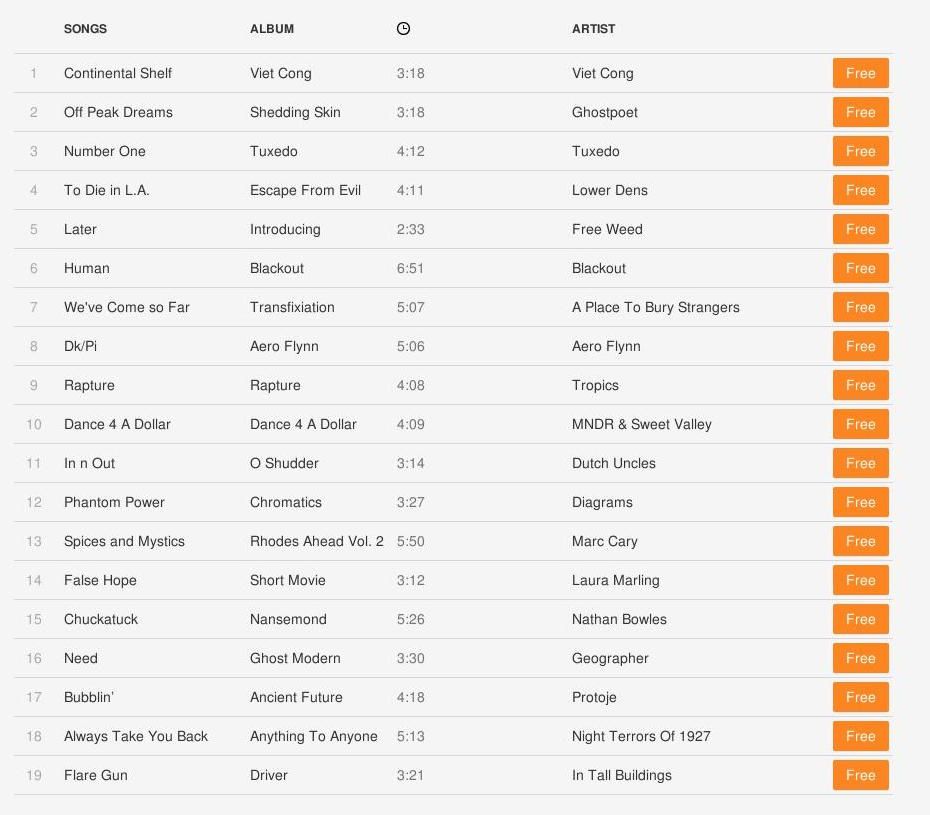
Google's playlist titled "Antenna Sampler" (above) features songs from for new and/or up-and-coming artists. A total of 19 songs are offered for FREE, so go listen and download the ones you like. I loved some songs from this playlist including, "Off Peak Dreams", "Number One", and "Bubblin'".
Link to the "Antenna Sampler" playlist

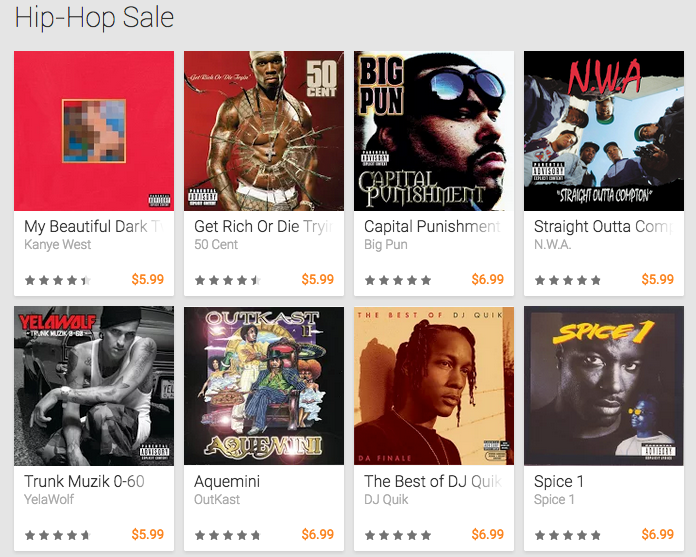
If you are a hip-hop fan, then this week's "Hip-Hop Sale" is for you. This week features new and old albums from the hip-hop world. Albums from the likes of DJ Quik, Ice Cube, Drake, & Lil' Wayne are on sale this week. 

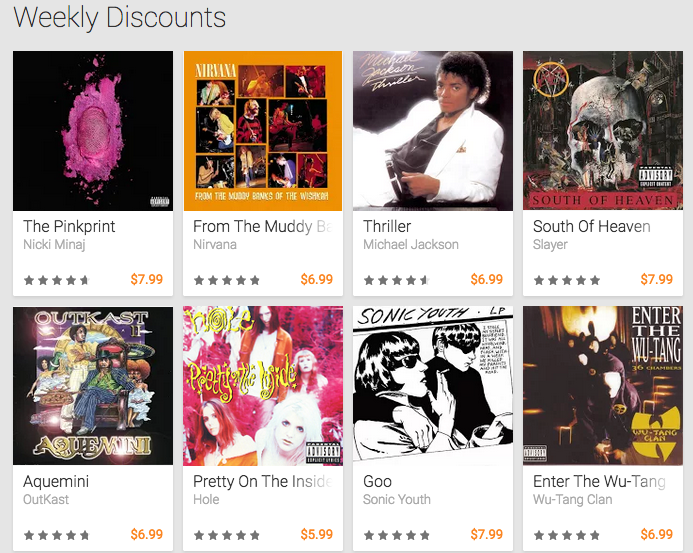
No need to feel left out if you're not a hip-hop fan. If you have other musical tastes this weeks "Weekly Discounts" offer albums from a variety of genres. Here you'll find albums from Michael Jackson, Bob Marley, The Velvet Underground, Nirvana, Elton John, and many others. 

Leave a comment if you purchased any music and/or leave us some recommendations of what you'd like to see us review. 


Tuesday, February 24, 2015

Screenshots| February Favorites (Part 1)

*NOTE: Sorry for the lack of posts. School began last month and its been a pain. Also, the lack of a readership and participation has also unmotivated me. But here we go again!

These are our favorites from January. They are, of course, in no particular order. Have a look and click on the link to get more information about the set up. Leave a comment below of which has been your favorite. To see more, head over to simply-android.deviantart.com

---------------------------------------------------------------------------------------------------------

***Permission has been obtained to feature these images on this site. However, they have been uploaded through a third-party image host. If you are the owner of any of these images and request they be removed, leave a comment below with the name of the image you want removed.*** 


Friday, January 16, 2015

Screenshots| January Favorites (Week #2)

These are our favorites from January. They are, of course, in no particular order. Have a look and click on the link to get more information about the set up. Leave a comment below of which has been your favorite. To see more, head over to simply-android.deviantart.com

---------------------------------------------------------------------------------------------------------

***Permission has been obtained to feature these images on this site. However, they have been uploaded through a third-party image host. If you are the owner of any of these images and request they be removed, leave a comment below with the name of the image you want removed.***